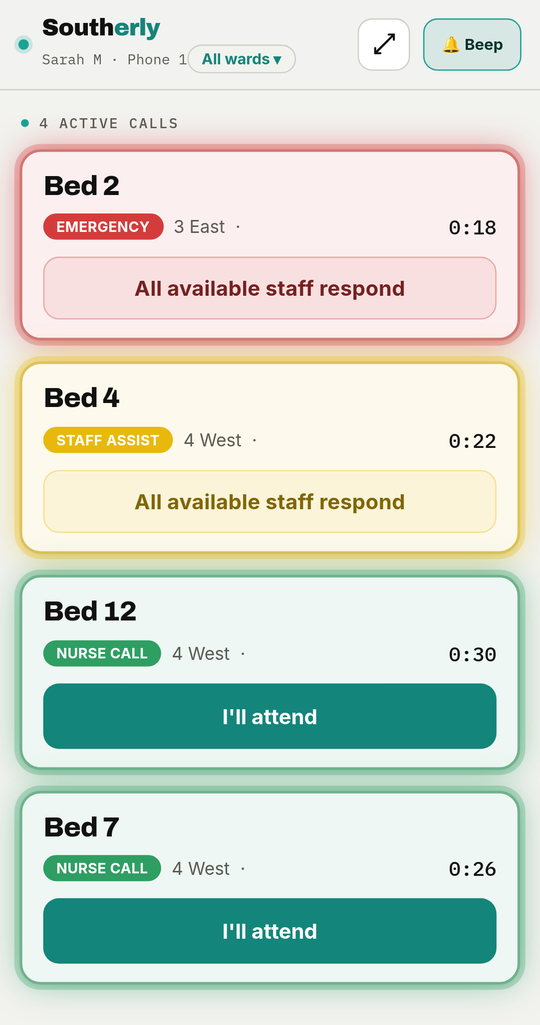
What it does
- Every call, most urgent first. An emergency is always at the top, then the longest-waiting. Each card is shaded in its call-type colour, so a carer sees at a glance what is waiting and where.
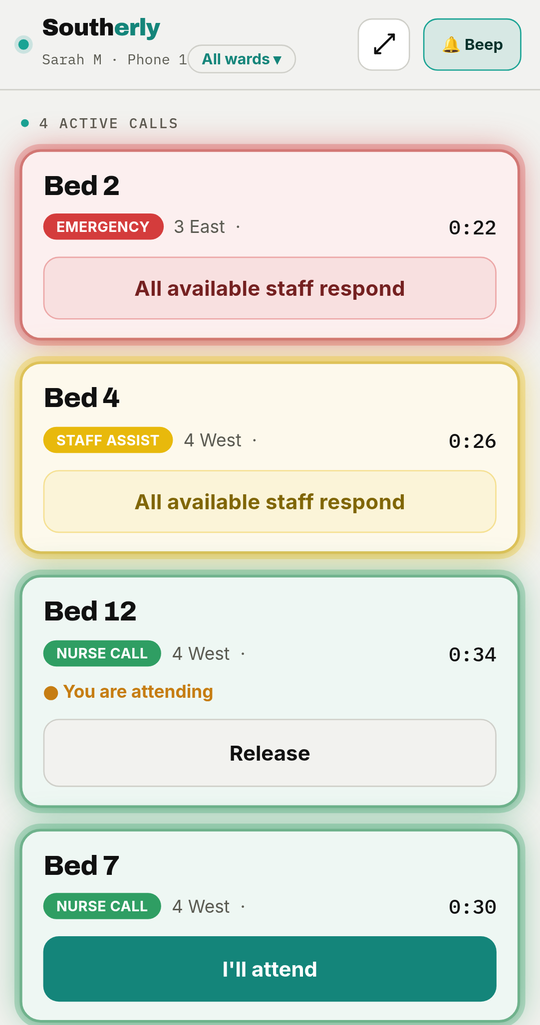
- Tap to respond. One tap on I'll attend for a nurse call and every other phone shows it is covered — no two people walking to the same room, and no call left because each assumed the other had it.
- Emergencies go to everyone. Emergency, duress and staff-assist calls show All available staff respond instead of an attend button, so nobody can claim a call that needs every pair of hands.
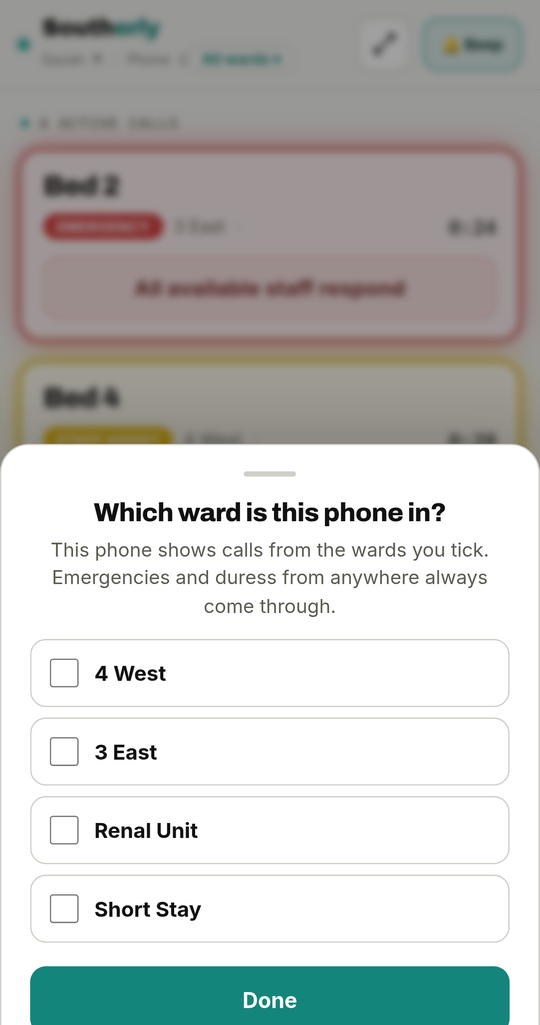
- The right ward on each phone. A carer picks which ward the phone covers when they sign in; it only shows that ward's calls, while emergencies and duress from anywhere still come through.
- Heard, not just seen. A loud two-tone alert, or the call read aloud, with vibration, and it keeps reminding while a call is unanswered.
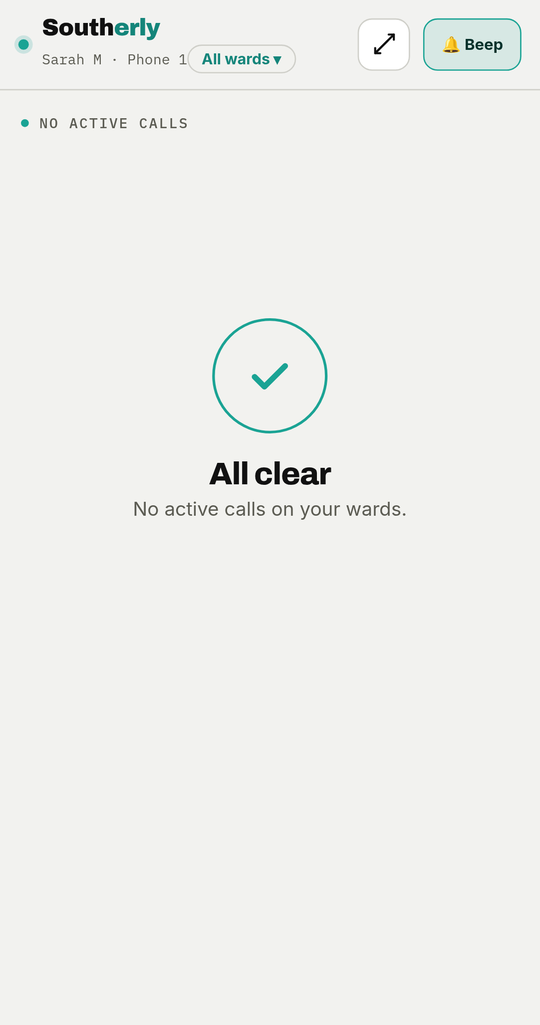
- Cancelled at the bed. A call is cleared at the bedside, which clears it from every phone at once. A carer can't close a call from the corridor without attending the resident.
- Only what a carer needs. Patient calls only — system and maintenance faults never appear on a carer's phone.
Signing in
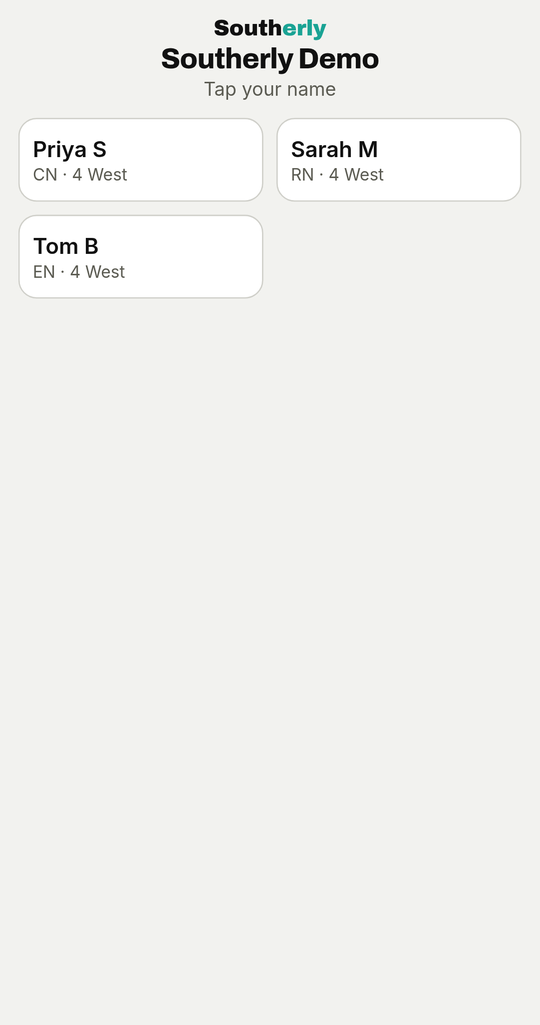
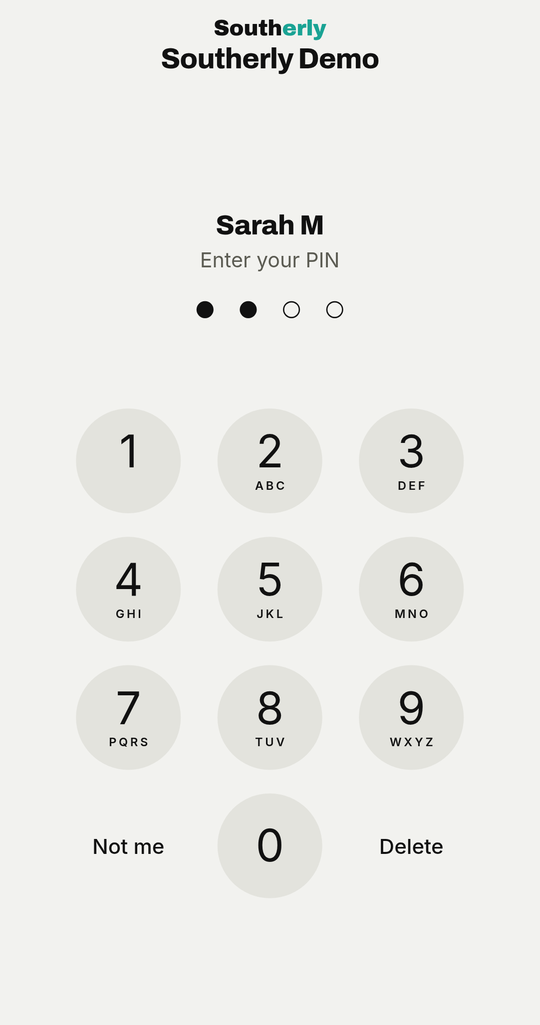
On a shared ward phone a carer taps their name and enters a PIN, then picks the ward the phone covers; the phone signs out on its own after a quiet spell, ready for the next person. On a personal phone it stays signed in.
One app, both phones
Respond is served by the gateway itself, so it runs on iPhone and Android and installs to the home screen like any app — no app-store account, no per-phone licence. At home, the same app puts a resident's calls on a carer, support worker or family member's phone, with escalation if nobody answers.
Part of the system, not a bolt-on
Respond is the phone end of Southerly Nurse Call. The same head end that feeds it also runs quiet mode and lets a ward isolate a bed or area for cleaning or maintenance — and raises every fault to the people who keep the system running, never to the carer's phone.
Specifications
| Runs on | iPhone and Android; installs to the home screen |
|---|---|
| Sign-in | Per-carer PIN on a shared phone with automatic sign-out, or a personal login |
| Alerts | Loud two-tone or the call read aloud, vibration, repeated until answered |
| Ordering | Emergency always first, then by how long each call has waited |
| Response | One-tap attend for nurse calls, shared across every phone; take over or release. Emergency, duress and staff assist go to everyone |
| Wards | Each phone chooses its ward; emergencies and duress from anywhere always come through |
| Shows | Patient calls only — system faults are never shown to care staff |
| Served by | The Southerly Enterprise Gateway; no on-site cloud account required |
| Status | Live |